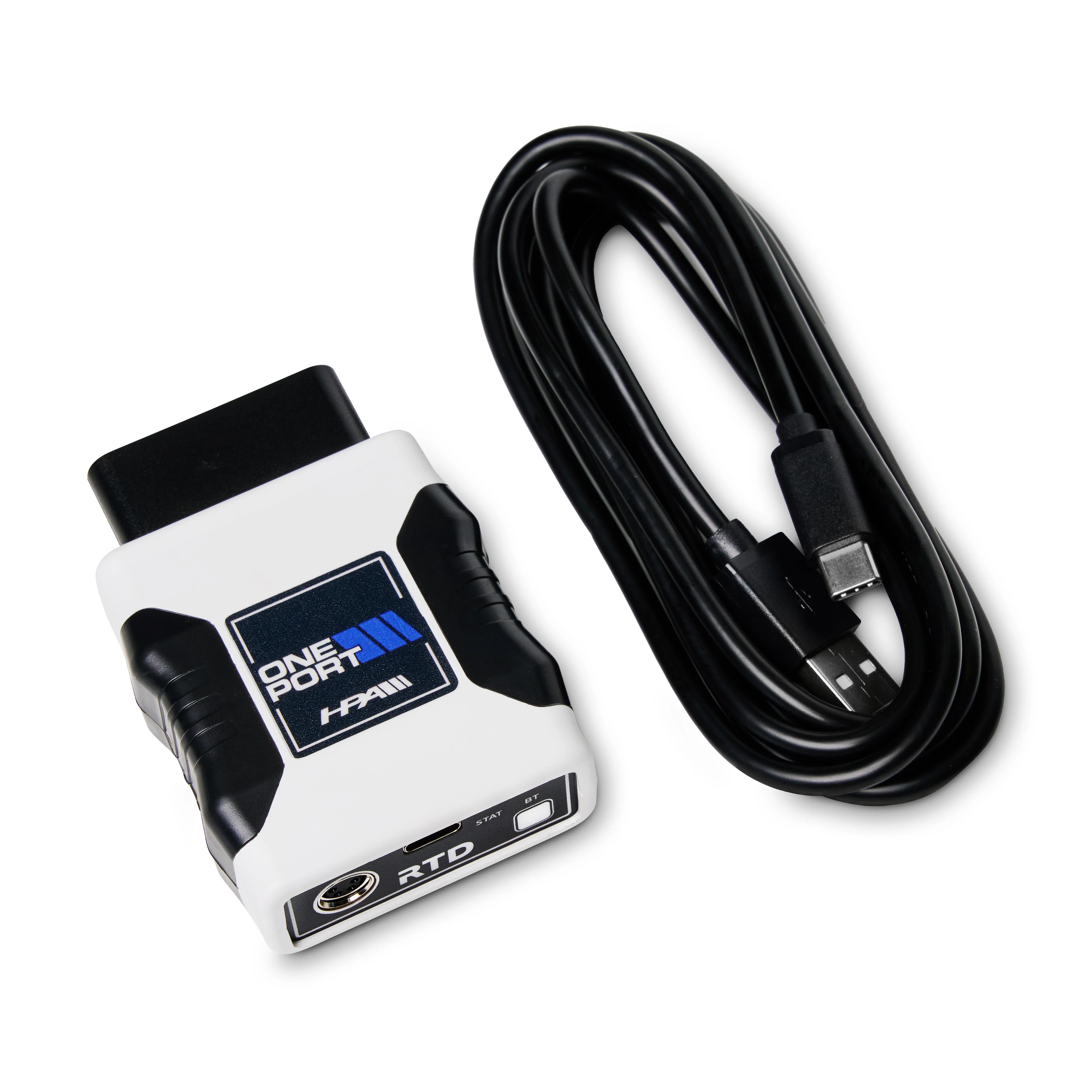
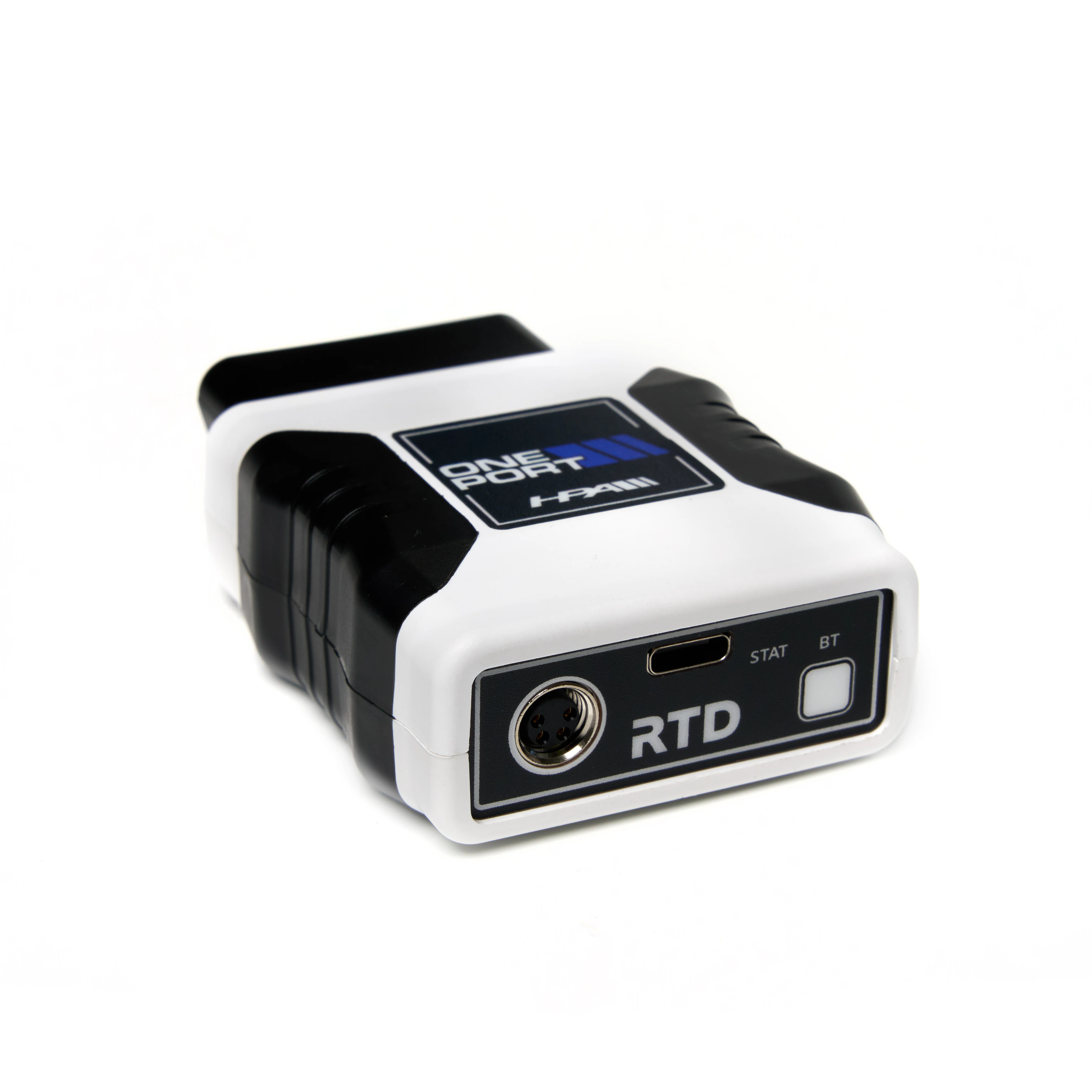
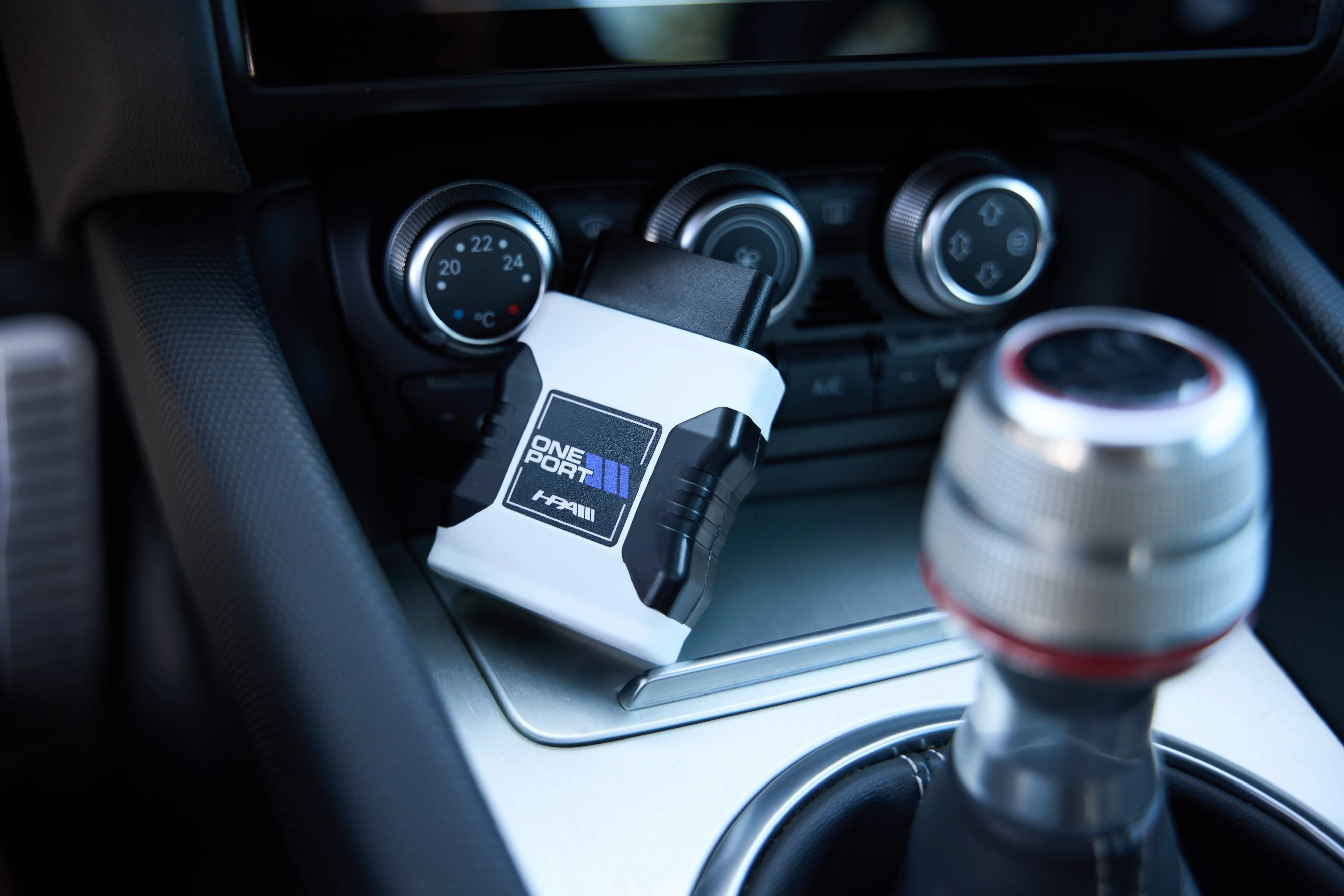
HPA Oneport RTD Flashing and Logging Device
HPA Motorsports has partnered with HP Tuners to bring you one of the most advanced remote tuning devices on the market.
Features:
- Once device for all: connect to your car's ECU and TCU through your OBDII interface
- Supports more than one car at a time.
- Access to VCM Scanner for real-time diagnostics and data logging.
- Read and save your vehicle's stock file for backup and delivery to HPA
- Read and Clear Diagnostic Troubleshooting Codes (DTCs)
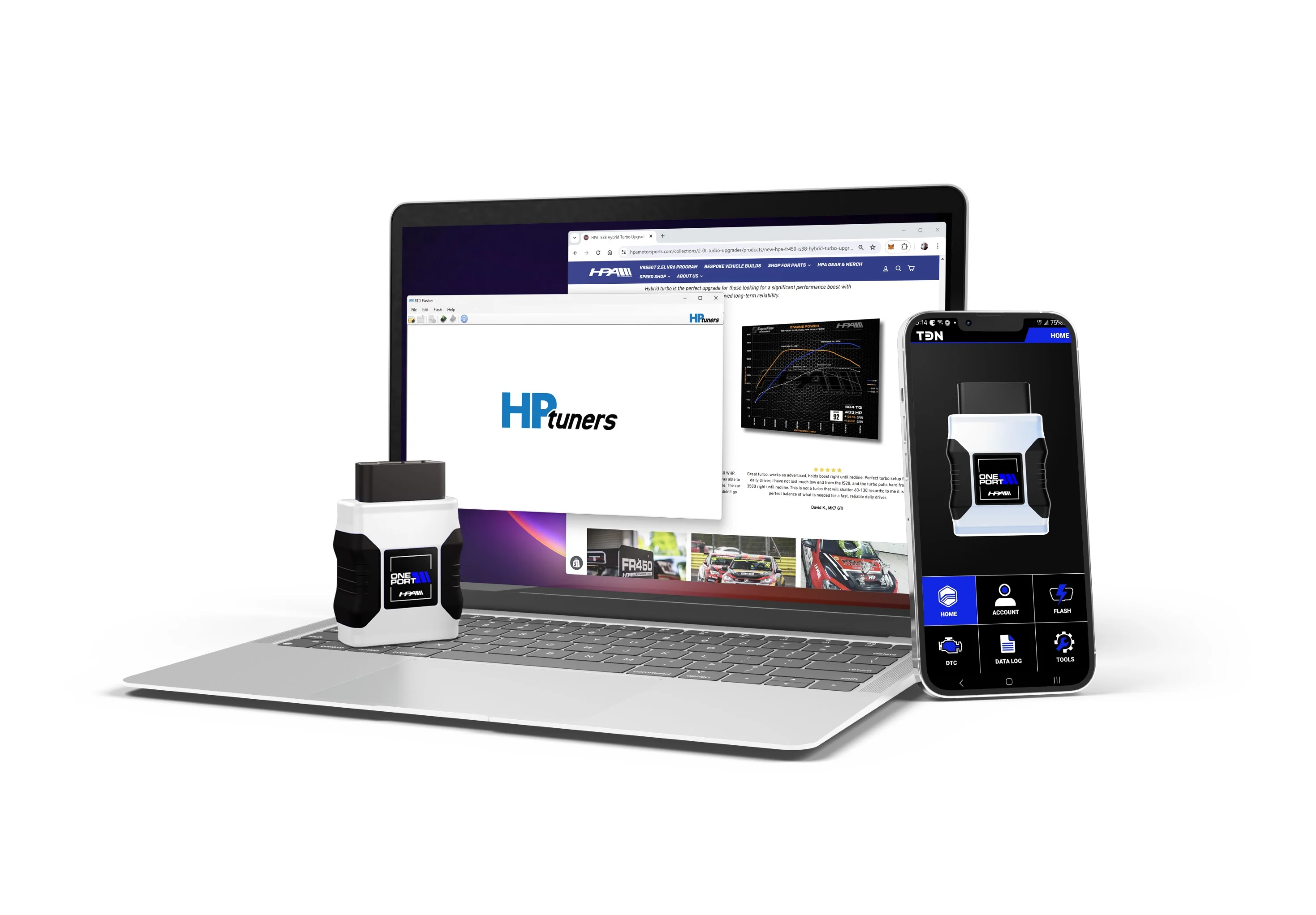
- Flash your purchased HPA ECU and TCU tunes using the Tune Delivery Network (TDN) app* or RTD Flasher software for PC via USB
- Bluetooth Low Energy 5.0
- M8 motorsports-grade screw-on connector
- 12x Faster USB-C
- RGB LED
- 8Gb of storage
The HPA Oneport RTD is only sold with an accompanying HPA ECU or TCU tune and does not include any pre-loaded tunes or calibrations.
How Does TDN Work for Customers?
Customers work solely on the TDN app— available for iOS and Android devices.
Note: TDN Smartphone App is currently compatible with specific ECUs and TCUs, and additional compatibility will be added as development continues. All HPA Tunes can be flashed via PC using the HPA Oneport RTD and the latest RTD Flasher Software
Note that the iOS app requires the latest generation RTD (generation 3), RTD+, MPVI2+, or MPVI3 interfaces. Not compatible with earlier RTD or MPVI/2 devices.
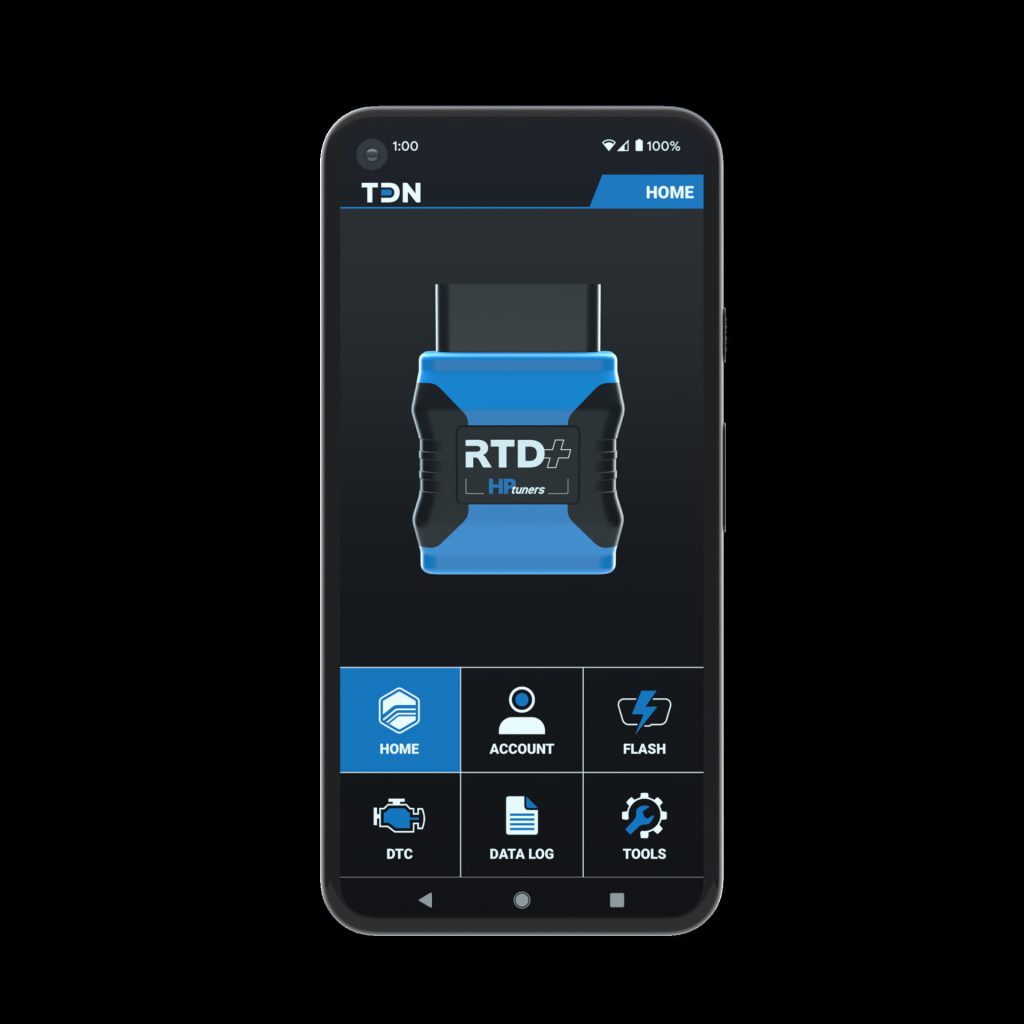
Once customers download the app, make an account, and connect to their interface via Bluetooth, they need to enter the tuner’s invite code. Once they are accepted to the tuner’s network, they can retrieve a stock read file from their vehicle and send it to the tuner. After they receive a custom tune file, they can flash it back to their vehicle in just minutes and start data logging on their phone.
If DTCs or fault codes are present, they can clear or forward them to the tuner. This process eliminates the need to have a bulky computer on hand. The ability for a customer to do all of this on their phone is highly convenient!
More Images
HPA Oneport RTD Flashing and Logging Device
HPA Motorsports has partnered with HP Tuners to bring you one of the most advanced remote tuning devices on the market.
Features:
- Once device for all: connect to your car's ECU and TCU through your OBDII interface
- Supports more than one car at a time.
- Access to VCM Scanner for real-time diagnostics and data logging.
- Read and save your vehicle's stock file for backup and delivery to HPA
- Read and Clear Diagnostic Troubleshooting Codes (DTCs)
- Flash your purchased HPA ECU and TCU tunes using the Tune Delivery Network (TDN) app* or RTD Flasher software for PC via USB
- Bluetooth Low Energy 5.0
- M8 motorsports-grade screw-on connector
- 12x Faster USB-C
- RGB LED
- 8Gb of storage
The HPA Oneport RTD is only sold with an accompanying HPA ECU or TCU tune and does not include any pre-loaded tunes or calibrations.
How Does TDN Work for Customers?
Customers work solely on the TDN app— available for iOS and Android devices.
Note: TDN Smartphone App is currently compatible with specific ECUs and TCUs, and additional compatibility will be added as development continues. All HPA Tunes can be flashed via PC using the HPA Oneport RTD and the latest RTD Flasher Software
Note that the iOS app requires the latest generation RTD (generation 3), RTD+, MPVI2+, or MPVI3 interfaces. Not compatible with earlier RTD or MPVI/2 devices.
Once customers download the app, make an account, and connect to their interface via Bluetooth, they need to enter the tuner’s invite code. Once they are accepted to the tuner’s network, they can retrieve a stock read file from their vehicle and send it to the tuner. After they receive a custom tune file, they can flash it back to their vehicle in just minutes and start data logging on their phone.
If DTCs or fault codes are present, they can clear or forward them to the tuner. This process eliminates the need to have a bulky computer on hand. The ability for a customer to do all of this on their phone is highly convenient!
Product Information
Product Information
Shipping & Returns
Shipping & Returns
Description
HPA Motorsports has partnered with HP Tuners to bring you one of the most advanced remote tuning devices on the market.
Features:
- Once device for all: connect to your car's ECU and TCU through your OBDII interface
- Supports more than one car at a time.
- Access to VCM Scanner for real-time diagnostics and data logging.
- Read and save your vehicle's stock file for backup and delivery to HPA
- Read and Clear Diagnostic Troubleshooting Codes (DTCs)
- Flash your purchased HPA ECU and TCU tunes using the Tune Delivery Network (TDN) app* or RTD Flasher software for PC via USB
- Bluetooth Low Energy 5.0
- M8 motorsports-grade screw-on connector
- 12x Faster USB-C
- RGB LED
- 8Gb of storage
The HPA Oneport RTD is only sold with an accompanying HPA ECU or TCU tune and does not include any pre-loaded tunes or calibrations.
How Does TDN Work for Customers?
Customers work solely on the TDN app— available for iOS and Android devices.
Note: TDN Smartphone App is currently compatible with specific ECUs and TCUs, and additional compatibility will be added as development continues. All HPA Tunes can be flashed via PC using the HPA Oneport RTD and the latest RTD Flasher Software
Note that the iOS app requires the latest generation RTD (generation 3), RTD+, MPVI2+, or MPVI3 interfaces. Not compatible with earlier RTD or MPVI/2 devices.
Once customers download the app, make an account, and connect to their interface via Bluetooth, they need to enter the tuner’s invite code. Once they are accepted to the tuner’s network, they can retrieve a stock read file from their vehicle and send it to the tuner. After they receive a custom tune file, they can flash it back to their vehicle in just minutes and start data logging on their phone.
If DTCs or fault codes are present, they can clear or forward them to the tuner. This process eliminates the need to have a bulky computer on hand. The ability for a customer to do all of this on their phone is highly convenient!